
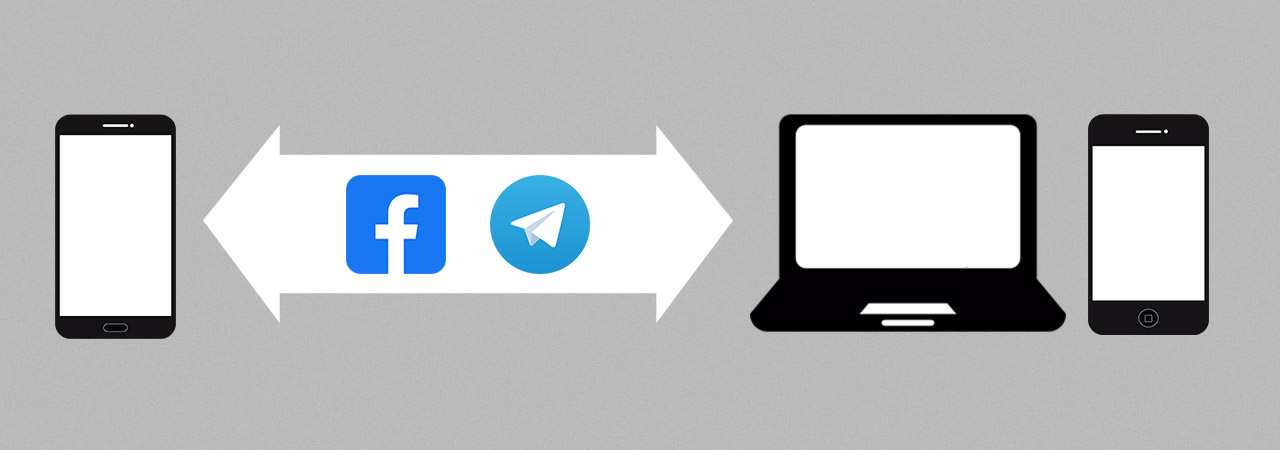
Transfering your progress is easy:
- Run the game on your old device and open the Settings menu.
- Tap “ACCOUNT” and then “CONNECT” to link your account.
- Download the game on another device, run the game, and open the Settings menu.
- Push the “ACCOUNT” and “CONNECT” buttons again to restore your progress!
- You will be asked to choose between your new account and the old one.
- Choose your old account and continue your adventures on the new device!
Now you can easily transfer your progress between your mobile devices or even enjoy Westland Survival on PC!
| Please note! You can keep only one account on your device. In case of any difficulties, the Westland support team is always ready to help you! |